
Back in 2016, I rounded up some of the outdoor apps I found genuinely useful. I updated that list in 2021 as smartphones, mapping apps, and satellite technology continued to evolve.
Five years later, it feels like time for another update.
What’s changed isn’t just the apps themselves. The entire ecosystem has shifted. Some excellent apps have disappeared, others have moved behind subscriptions, and a few have become bloated with features I never asked for. At the same time, several apps have quietly become indispensable parts of our outdoor kit.
I don’t see mobile devices as replacements for traditional tools. Instead, they’re another tool in the kit that a wise outdoors person uses appropriately.
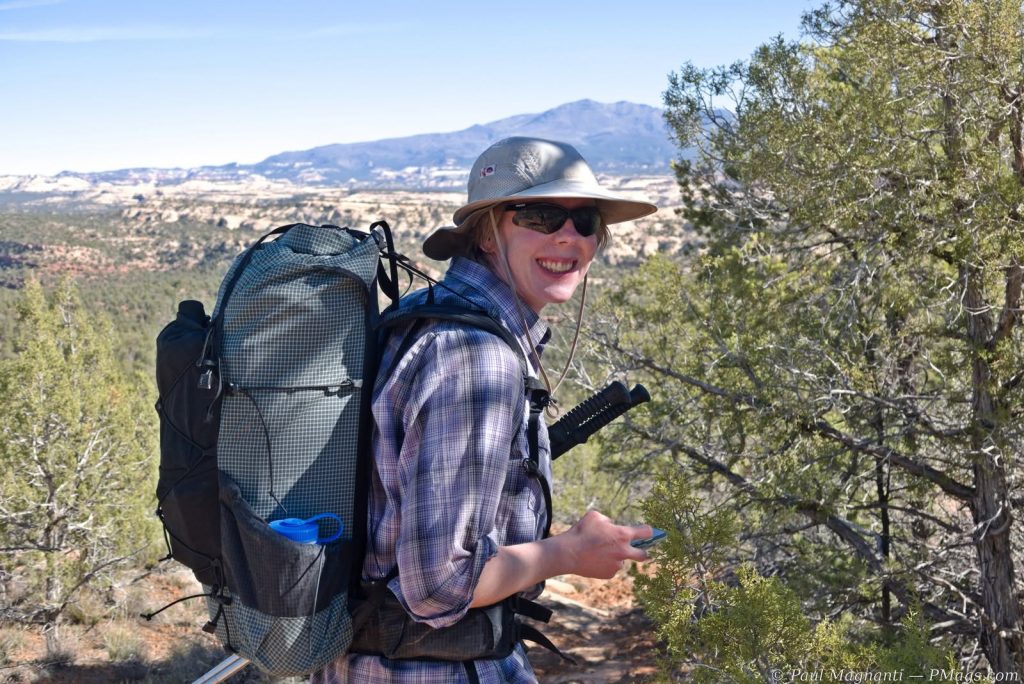
Joan in country now impacted by the fires raging as of July 2026.
I look at apps as part of a tool kit for accomplishing our outdoor tasks. With these tools, we enjoy our time in the canyons, mountains, forests, or wherever our journeys take us.
Navigation
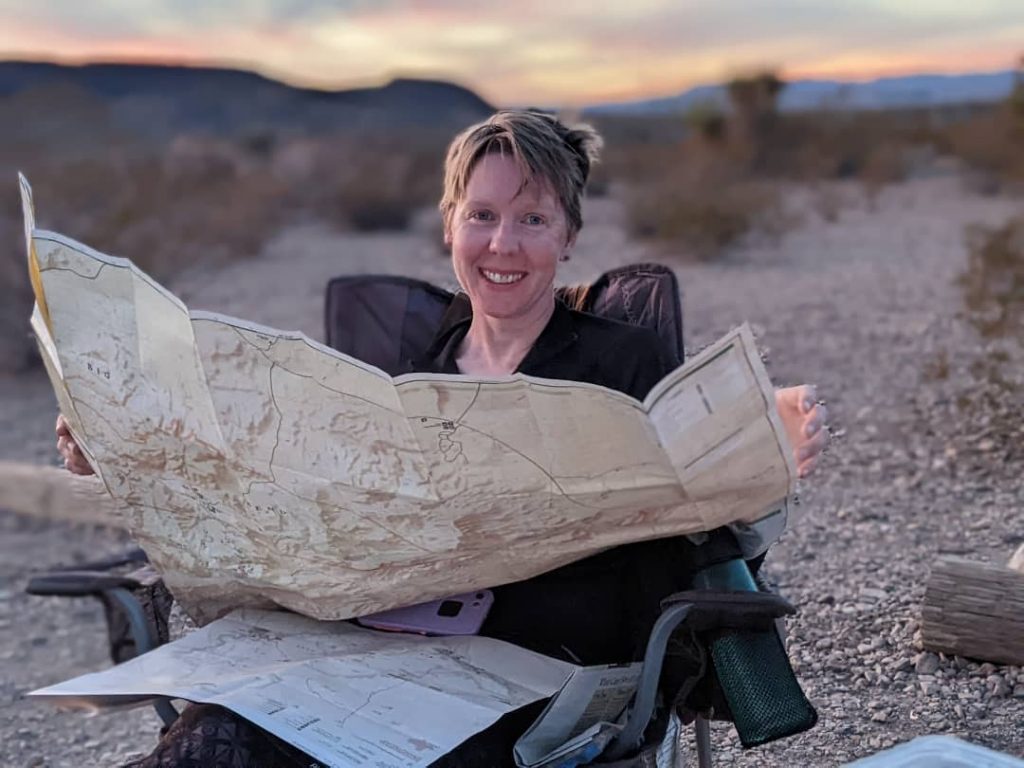
Joan with print maps and her iPhone in Big Bend NP. Digital and print maps, compass, and GPS-enabled devices all work well together.
Gaia remains our primary navigation app once we’re in the field.
While I don’t love every change (!?!) made since the Borg collective known as Outside assimilated the company (and we still miss the NatGeo Trails Illustrated maps), Gaia has become a bit like Adobe Creative Cloud or Microsoft Office. It’s gradually become more bloated, more expensive, and more enshittified over the years.
Even so, for our needs, it’s still the best tool. For now.
This tool remains one of my favorite Android-only utilities.
GPS Essentials doesn’t try to be a social network or another subscription service. Instead, it offers accurate coordinates, altitude, a reliable compass, sunrise and sunset times, and other navigation utilities that come in handy surprisingly often.
Quick, simple, and free.
I’ve used it for years, and it continues to earn a permanent spot on my phone.
Avenza occupies a more specialized role these days.
The UI is solid and works well enough overall.
Using specific maps from smaller map companies or non-profits is my main use for this app.
Many public land agencies publish georeferenced PDF maps that work perfectly with Avenza. If I’m using an official park or forest map, chances are it is loaded into the app… or at least it used to be.
However, recent business decisions have made me less enthusiastic about recommending it, given that vulture capitalists have purchased the company.
So it goes.
This one isn’t really marketed toward hikers.
Instead, it’s an enterprise GIS application that I’ve come to appreciate through volunteer work and public lands projects.
With Avenza locking more GeoPDF functionality behind a subscription service, this app still lets me access many of them for free. Other options get suggested, but I already have and use this app.
If you’d like a deeper dive into my overall mapping workflow with desktop-based, phone-based, and traditional tools such as print maps and a compass, see my article titled “Digital Mapping Tools: My Use in 2026.”
Guides & Reference
These apps don’t tell me where to go.
Instead, they help me better understand the places I’m visiting.
One of those wonderfully simple apps that does exactly one thing well.
Point your phone toward the horizon, and it identifies the surrounding peaks. Whether I’m standing on a ridge in the San Juans or somewhere new entirely, it’s a fun way to put names to the landscape.
I paid for it once over a decade ago, and it’s been on my phone ever since.
NOAA Weather by Pandamonium Software is a free app that integrates with the NOAA API and provides weather.gov forecasts and features. It is commercial, but the ads are minimal.
It’s available for Android and iOS.
Simple, uncluttered, and using NOAA data with an interface similar to weather.gov, it includes radar, hour-by-hour forecasts, point weather, ten-day forecasts, and even NOAA weather notes.
I’ve used it for almost a decade now.
One of my oldest outdoor apps.
Point your phone at the night sky, and Sky Map identifies stars, planets, constellations, and satellites. An old-school star chart for the digital age.
More useful than it first appears.
Whether we are planning photographs, picking a campsite, or wondering when sunlight will finally reach the canyon floor, Sun Position gives us a quick visualization of where the sun will be throughout the day.
We use the free version.
This might be one of our favorite new additions since the last edition.
Its Sound ID feature listens to the birds around you and identifies what you’re hearing in real time. We’ll often let it run while we are in our tent, wondering which melodies start the day or bring in the dusk.
Like Merlin, Seek encourages a better understanding of the world.
Plants, insects, animals, flowers, and more can all be identified with your phone’s camera. It’s not perfect, but it’s an excellent learning tool that rewards curiosity about the natural world.
Joan uses iNaturalist directly and has over 5000 observations!
Air Quality & Fire
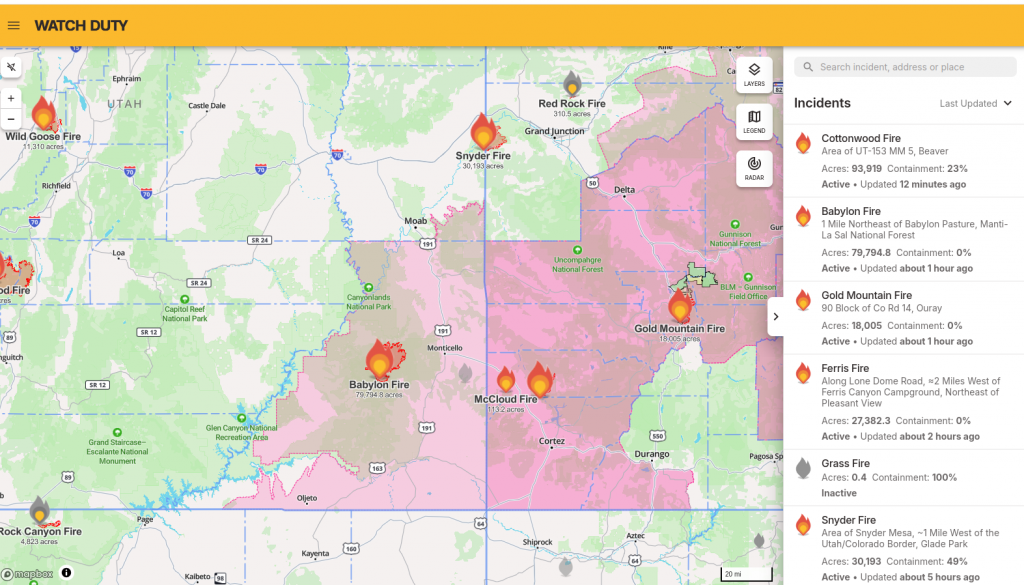
From the web-based version of Watch Duty.
Five years ago, I probably wouldn’t have included this section.
Today, I consider these apps almost as important as checking the weather.
Living in Moab has made that painfully clear. Joan and I have changed trips, altered routes, and even driven home from the mountains because wildfire smoke made conditions worse at 11,000 feet than back in town.
Unfortunately, that’s becoming part of planning outdoor trips in the American West.
Checking the Air Quality Index has become as routine as checking tomorrow’s temperatures.
Smoke can travel hundreds of miles, and the clear skies aren’t always guaranteed.
If you’re heading into the mountains during fire season, I strongly recommend making AQI part of your planning routine.
An app that’s unfortunately become too useful lately.
Watch Duty provides timely wildfire information, incident reports, fire perimeters, and evacuation notices. When combined with AirVisual, it gives me a much better picture of what conditions may be like before I even leave home.
Given how many articles I’ve written about smoke, fire, and changing outdoor conditions over the years, I suspect this app will only become more important.
General Utility
Old tech; same idea. From Pixabay.
We use Google Keep for gear lists, shopping lists, trip planning, route notes, and all those thoughts that seem to accumulate before, during, and after every trip.
Shared notes also make coordinating trips with Joan easy.
Sometimes the most useful outdoor app isn’t designed specifically for the outdoors.
Final Thoughts
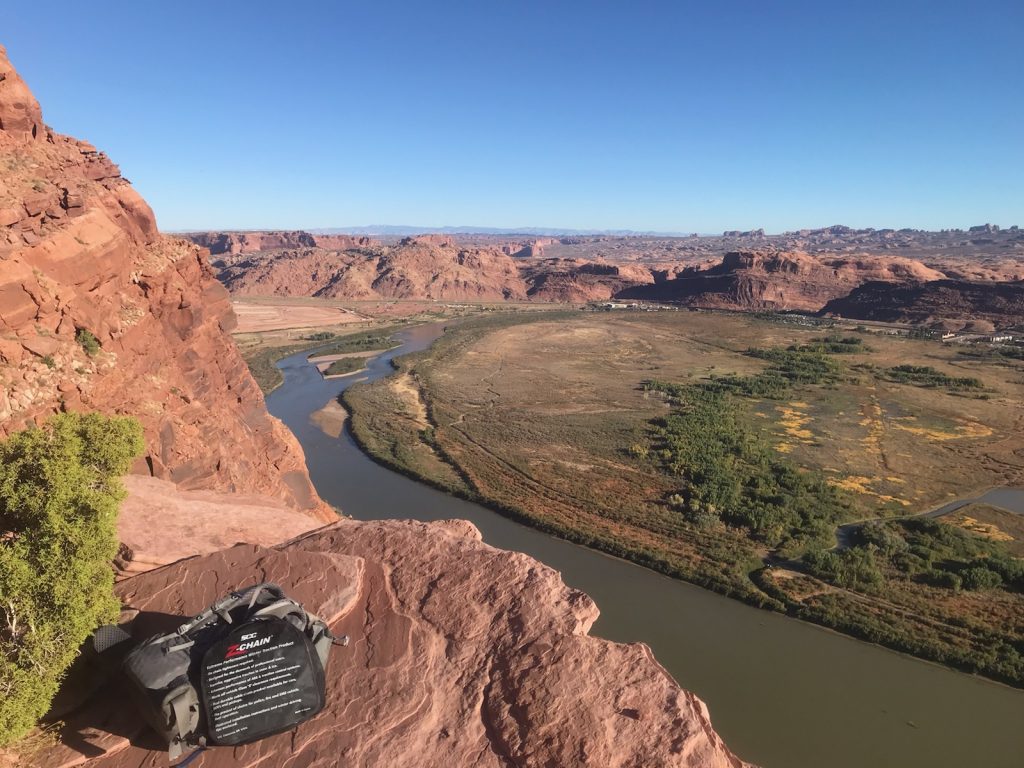
A favorite “workout” trail of Joan’s that is not far from where I am typing.
Looking back at my 2016 and 2021 lists, I noticed how much the outdoor app landscape has changed.
The days of free or low-cost apps have given way to increasingly expensive bloatware, especially in the navigation realm.
But there are still some simple apps that work well, don’t cost much, or even stay free while doing their job.
As always, these apps are simply tools. Knowing how to use your tools effectively and having the flexibility to adapt as conditions change will always be cornerstones of the outdoor realm.
Technology keeps evolving. Ma Nature still dictates how we use that technology in the outdoors.
Agreed on the bloatware. And I get it. Everyone wants to make a buck. But some of the prices are entirely out of hand.
Still, there are things that just amaze me. Like this URL for lightning maps. The fact that we can actually see where lightning is striking and almost real time across the United States is just wondrous.
https://www.lightningmaps.org/
Neat! I’ll have to check it out.