
A few weeks ago I wrote about reviving my 2019 vintage laptop by installing Linux Mint.
I used an older, budget laptop, swapped in a newer hard drive, installed a lighter operating system, and I should be set until sometime in late 2027 when I pick up a refurbished 2023 or 2024 laptop and start the cycle again.
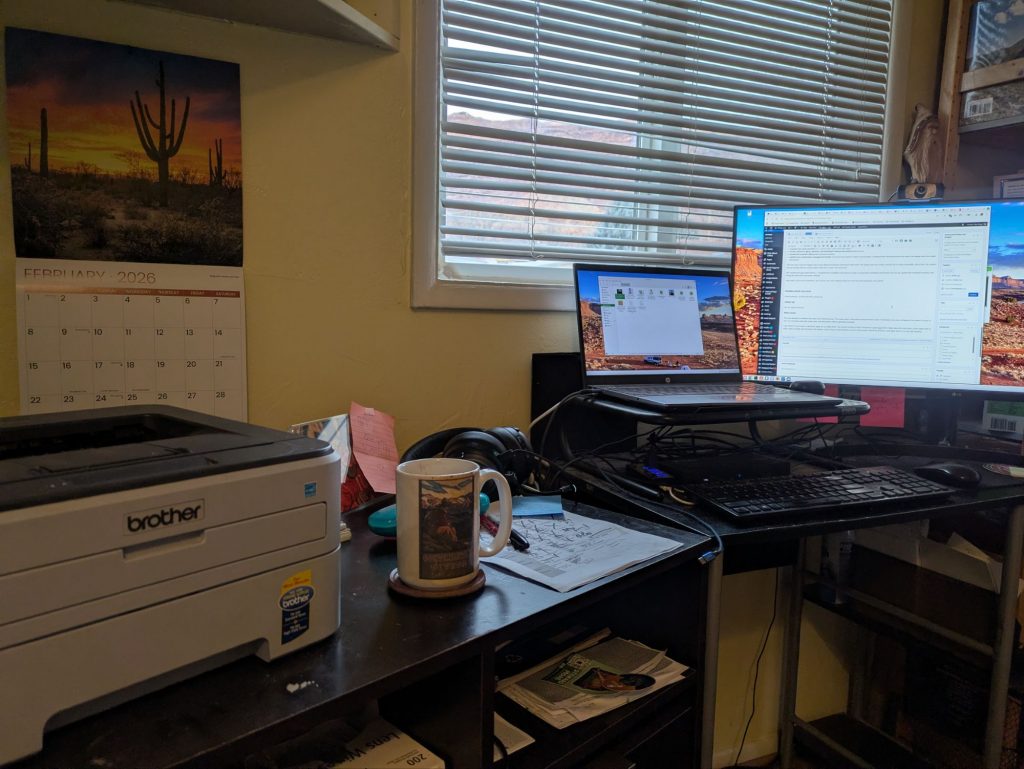
As part of that article, I mentioned my Brother 2170w printer from 2009 that I still use. It turns out this type of printer has a bit of a cult following.
I paid $80 for it in 2009.
And I’m still using it nearly twenty years later.
It prints about 25 pages per minute. The drum sits at 73 percent after more than fifteen years of use. I am on my fourth third-party toner cartridge at about $20 each. I have used it with multiple laptops, multiple operating systems, and through more than a few life changes.
The printer does not care.
What does it do? It prints documents. That’s it.
Under the hood, it uses PCL and connects over IPv4. For non-geeks, that means it speaks languages that have been in place for decades.
I connect it to Ethernet using a powerline adapter rather than dealing with the older wireless standard on the printer.
It prints on Windows, Joan’s Mac, and every Linux distro I’ve tried.
It just works.
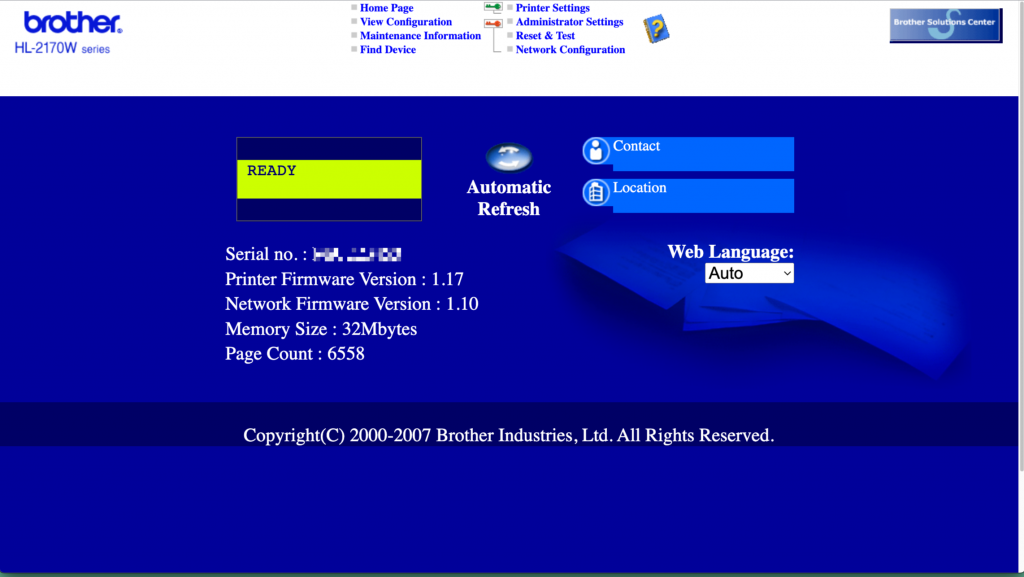
The firmware last got updated in 2007. Obama was not even in the White House yet. From SSANJ.
Why have a printer?
You don’t need a printer until you do.
Living in a small town, that usually means at an inconvenient time.
We print permits, workout sheets, return labels, signs, and the usual paperwork.
Not a lot. Just enough that at 7 in the morning on a Saturday, we don’t have to think about when the backcountry office opens.
We rarely need color. When we do, we plan around it.
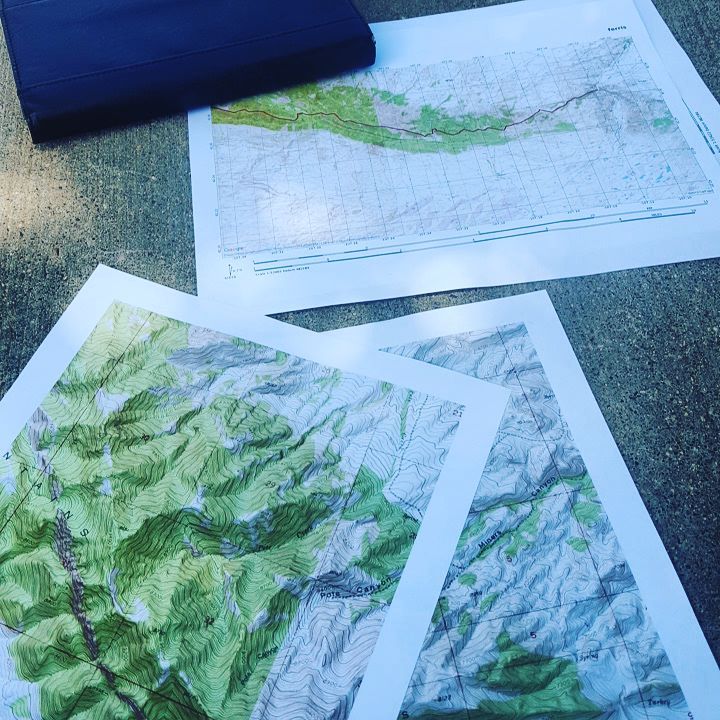
I may or may not have used the office color printer in my corporate past as well.
Anti-Enshittification in Practice
Brother has not pushed a meaningful firmware update since 2007.
There is no subscription.
There is no warning that my toner is “non-genuine.”
There are no apps asking me to create an account to print a return label, a workout calendar, or a permit.
There is no ink drying out or complaining about missing “cyan” when I just want to print a recipe.
It turns on. It prints. It goes back to sleep.
It’s on our network for easy access.
Joan’s Mac prints to it just fine. My Linux box prints to it just fine. Every laptop I’ve owned for the past decade and more prints to it just fine.
I have toner for another three to four years and another cartridge sealed in my desk.
It keeps chugging along and will likely keep going for years.
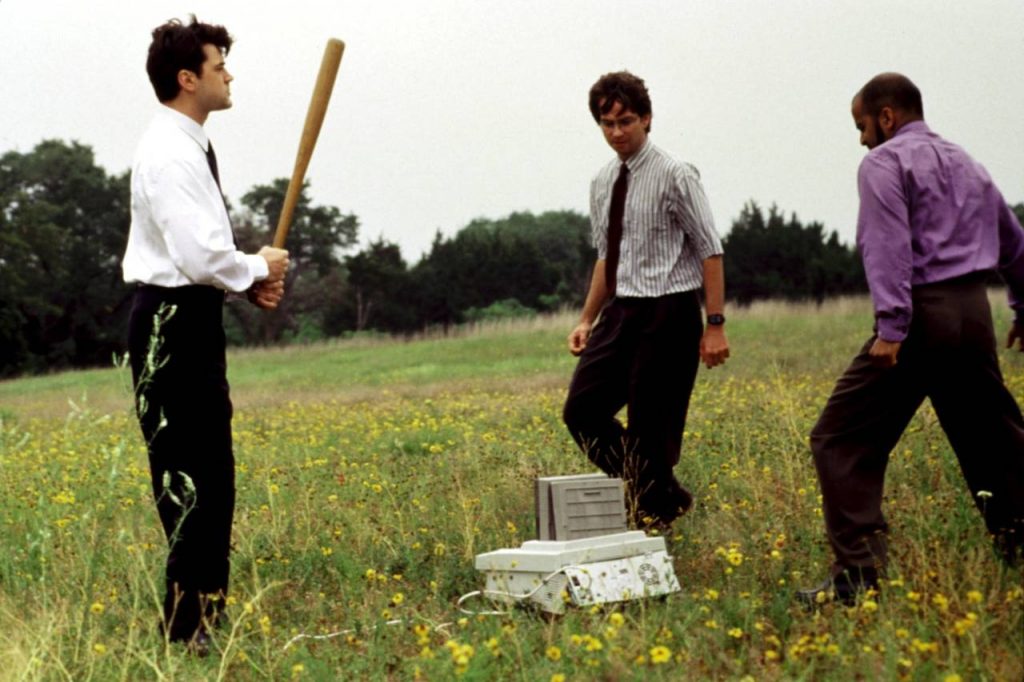
This classic Office Space meme aged well. Unfortunately.
Compare That to “Modern” Printing
Every IT professional hates printers.
Most get designed to extract money. They have more moving parts than needed, more complications than necessary, and tend to fail at the worst times.
Typically many printers:
- Require apps to print
- Push firmware updates that break compatibility
- Use ink subscriptions that can cost $350+ per gallon
- Let ink dry out between jobs
- Block third-party ink with “security” features
- Refuse to work without an internet connection
- Charge subscriptions to use hardware you already own
All for the same basic task this Brother printer does without complaint: print a document.
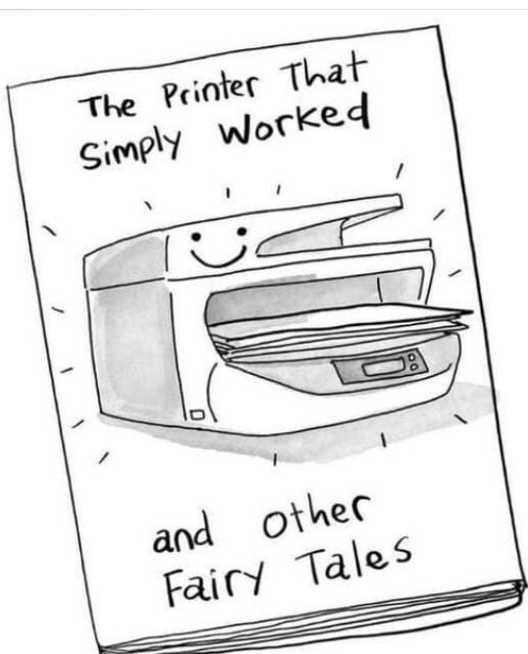
From Meme Droid
Overall?
I think of this printer the same way I think about favorite gear. Low fuss. I do not think about it. It just does its job.
It is a tool. And a reliable one.
This exact model is no longer available, but Brother still makes similar printers. They print a bit faster and crisper, use newer wireless standards, and add features like duplex printing.
They cost under $200, and third-party toner still runs about $20.
It’ll likely keep going for years, and maybe even decades, to come.
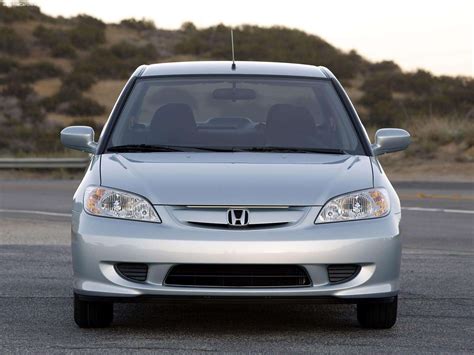
Our 2005 Honda Civic hybrid still gets close to 40 MPG, has over 200k miles, and runs on the original clutch (yes, a hybrid stick shift!). From NetCarShow
Awesome. Wish I had been smarter about which printer I bought back then. I have now given up on printers and won’t buy another. Thankfully not required for the most part and if really required I can print at our local library.
Alas in our small town the library And local printshop are not always convenient for our availability. We make use of the printer a fair amount.